While generating EARL Reports from Go unit tests, I wanted a nicer method of browsing both my own and peer reports. In my search for tools, I only found earl-report which is used to generate the static Conformance Reports often referenced from W3C documentation (example). I was hoping for something with more cross-referenced metadata and ability to integrate decentralized sources.
With the help of Copilot, through both Visual Studio Code and Agents on GitHub, I was able to hack together some of the ideas into a useful prototype. The source code is now on GitHub, but I feel obligated to mention the code isn't particularly elegant and wasn't the main purpose of this experiment. Instead, I was focused on researching EARL practices, learning more about AI-based workflows, expanding the use cases of rdfkit-go, and having another method of reviewing my own EARL reports.
- Source Code — github.com/dpb587/earl-index-app
- Preview Site — earl.dpb.io
You can navigate the earl.dpb.io site yourself (assuming my dev server is still up and running); or continue reading to see some screenshots and more background notes about the main pages.
Sources
Since there is not a single list for all publishers of report or test manifest files, I created a config file listing the ones that I had been referencing. The Sources page acts as an index for them.
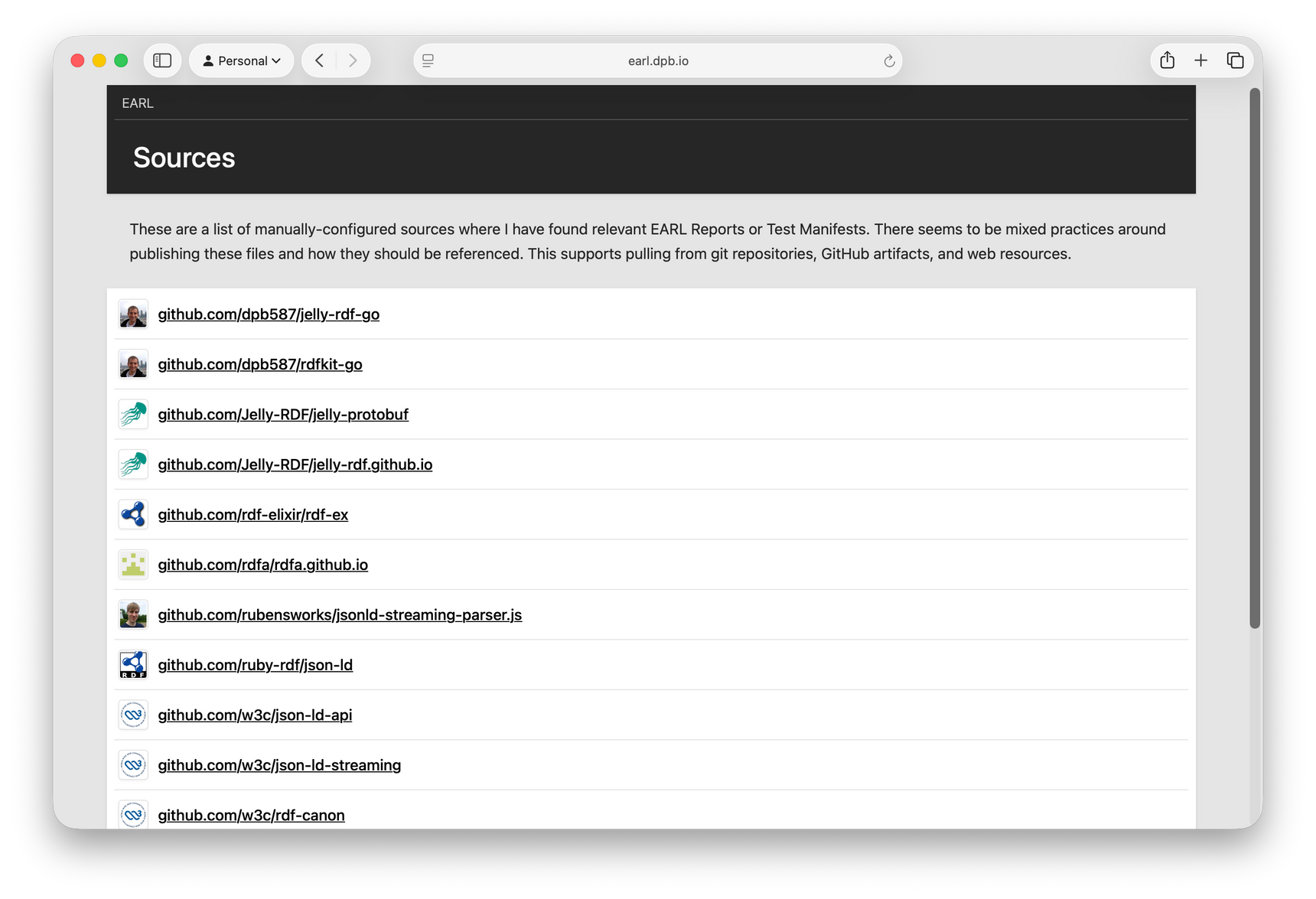
W3C and others publish files through traditional http/https URLs or git repositories, so I support reading from both. Personally, I wanted my own EARL Reports to be produced as part of automated testing and release pipelines, so it also supports pulling from artifacts produced by GitHub Actions.
Source Revision
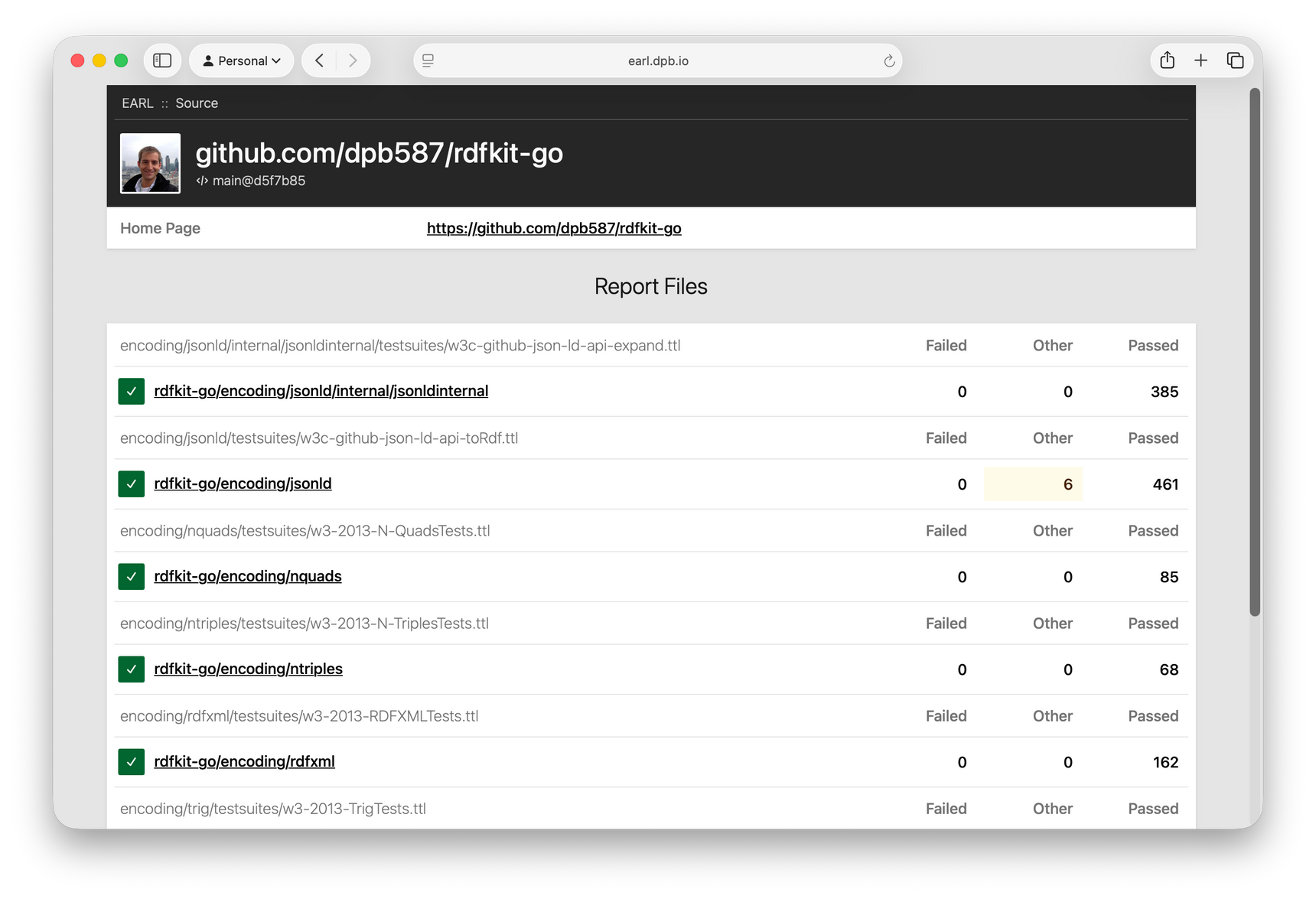
For each source, it has a details page showing the Report files that were found. For example, rdfkit-go has multiple report files, each one from testing a Go packages against a public test suite.
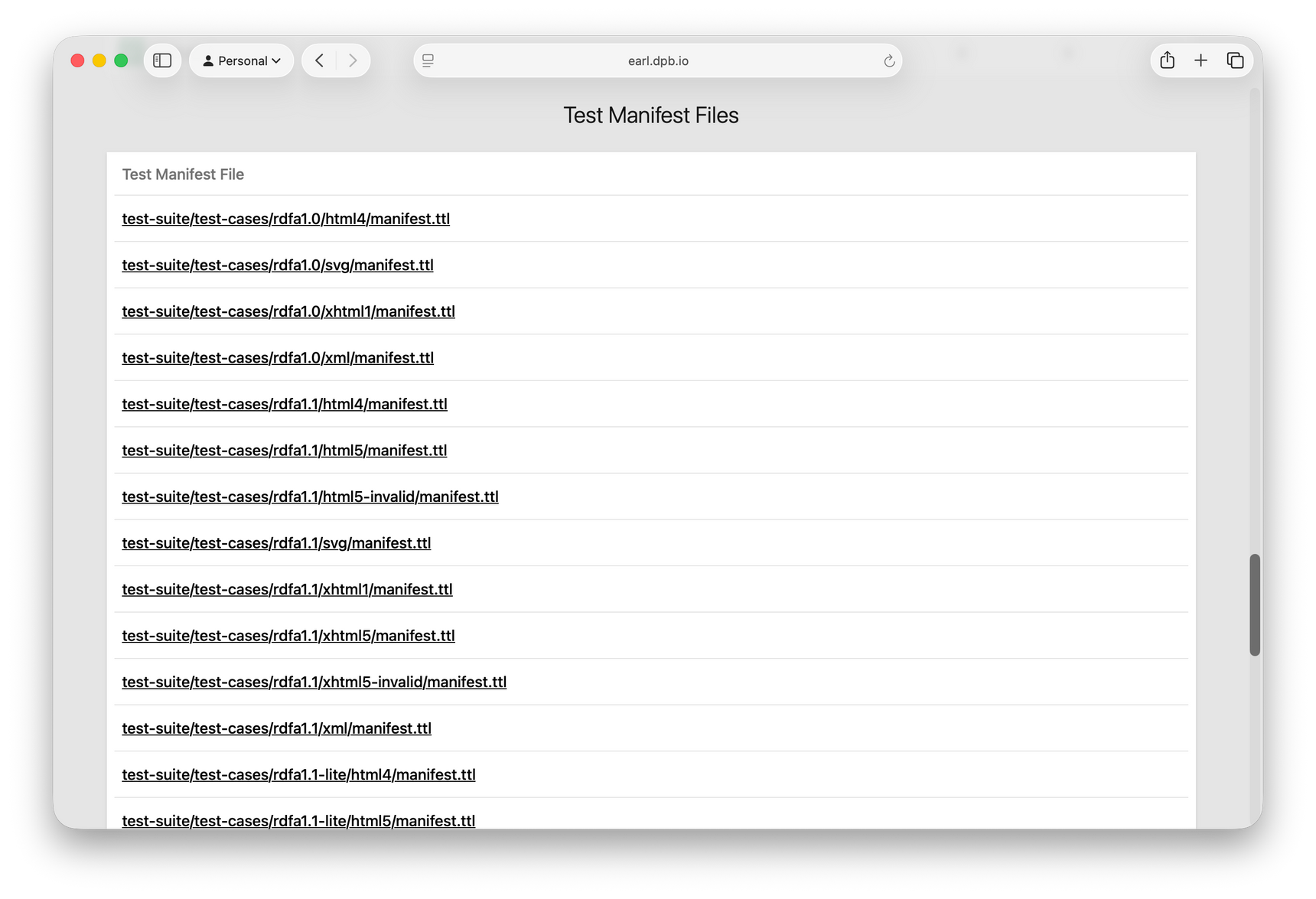
Similarly, when a source has Test Manifest files, the page also includes a section for those.
Technically, each source supports multiple revisions for providers like git, but for now it only monitors the HEAD ref. Once I start tagging releases, I might try to maintain an archive of the tag/release reports to verify changes over time.
Report File
Each report file link shows details about the source of the file (such as repository, commit, or artifact), and then shows details of the EARL Assertions, grouped by their earl:subject.
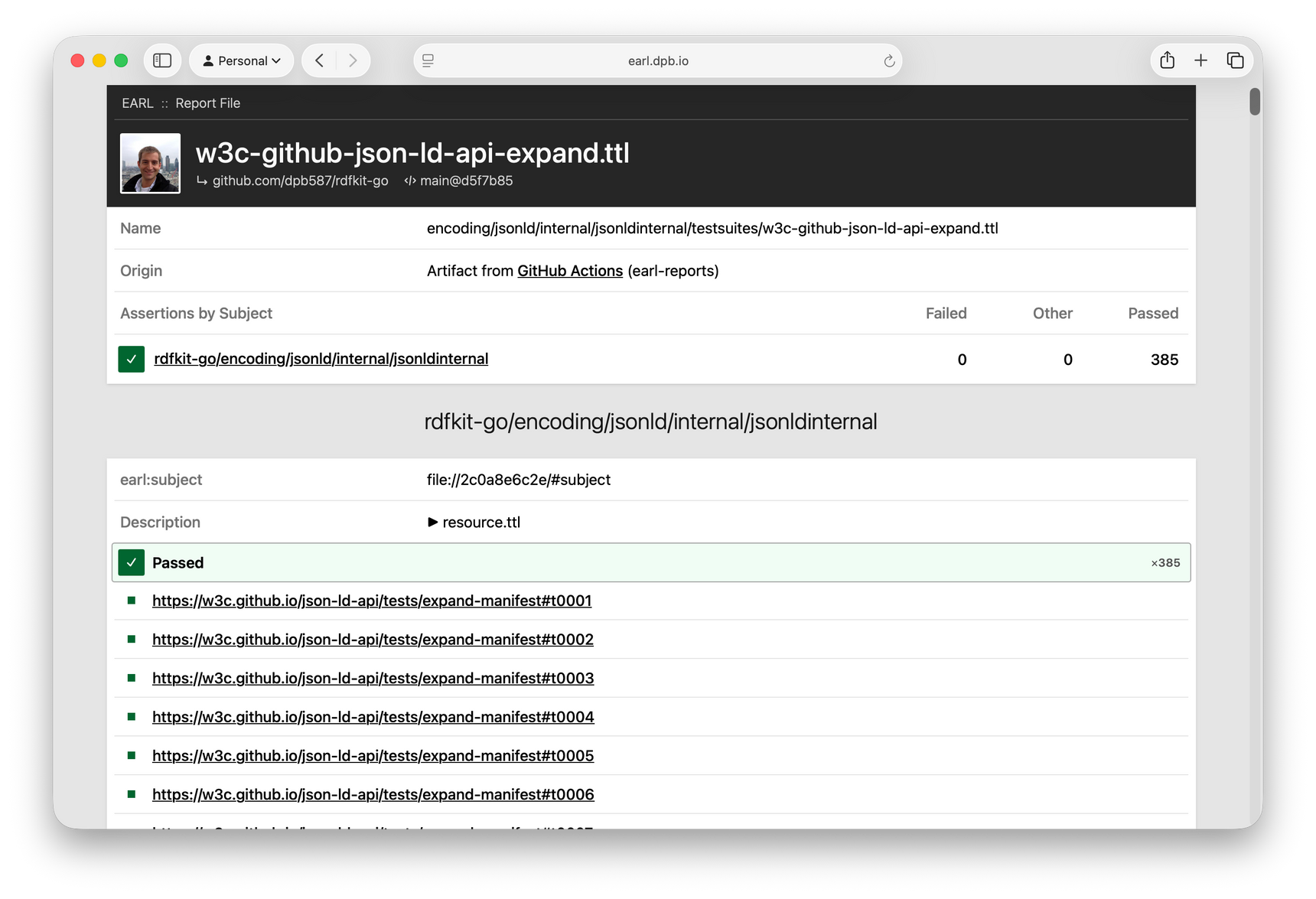
Although uncommon, I include a dc:description with some of the test results where I want to document more details about the behavior, so I display that property, too.
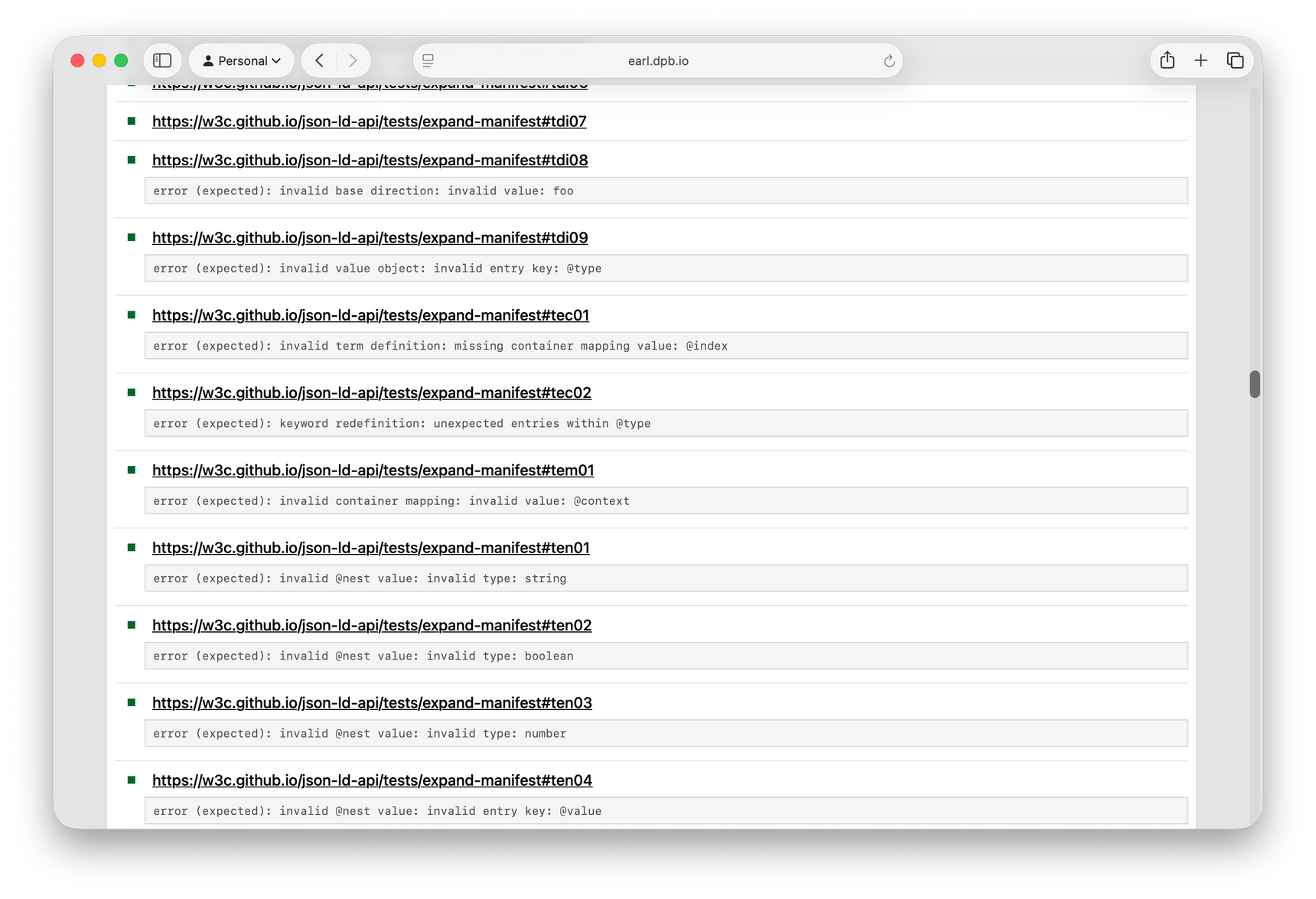
These example screenshots are showing a file that was expanded from a ZIP archive. For regular GitHub files, each assertion also includes a link back to the line of the original earl:outcome statement.
Test Details
Since each assertion correlates to a specific earl:test, a Test Node page provides more details about the test case. For example, the #t0001 test from JSON-LD is based on a test manifest from w3c.github.io which I included in my sources list, so it shows a few notable properties and Turtle snippet.
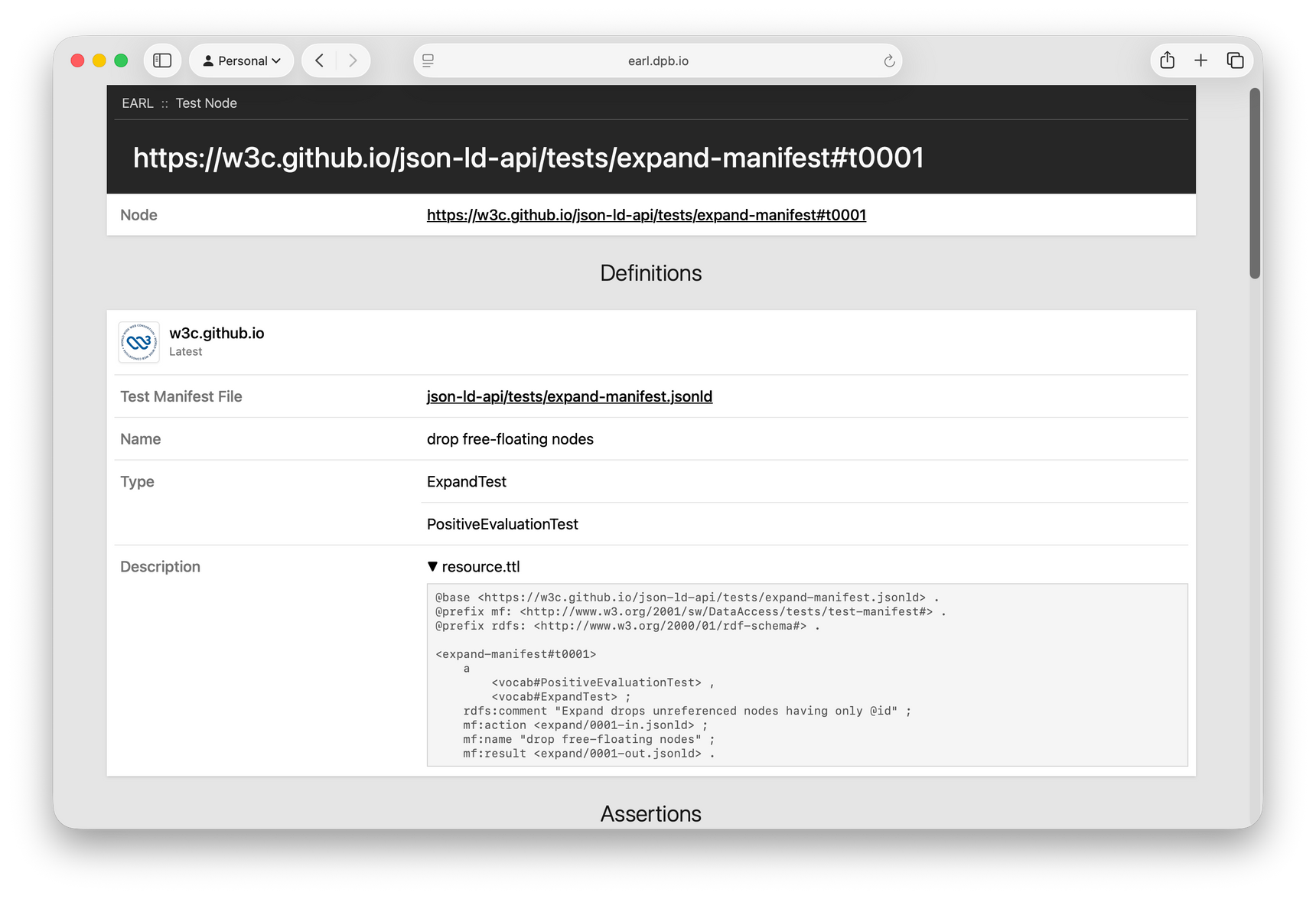
The Assertions section lists all the related test results grouped by their files and subject. Test manifests are occasionally referenced in multiple ways (e.g. http vs https, github.com vs github.io) and I don't currently try to normalize the test IRIs, so this doesn't necessarily include all relevant assertions.
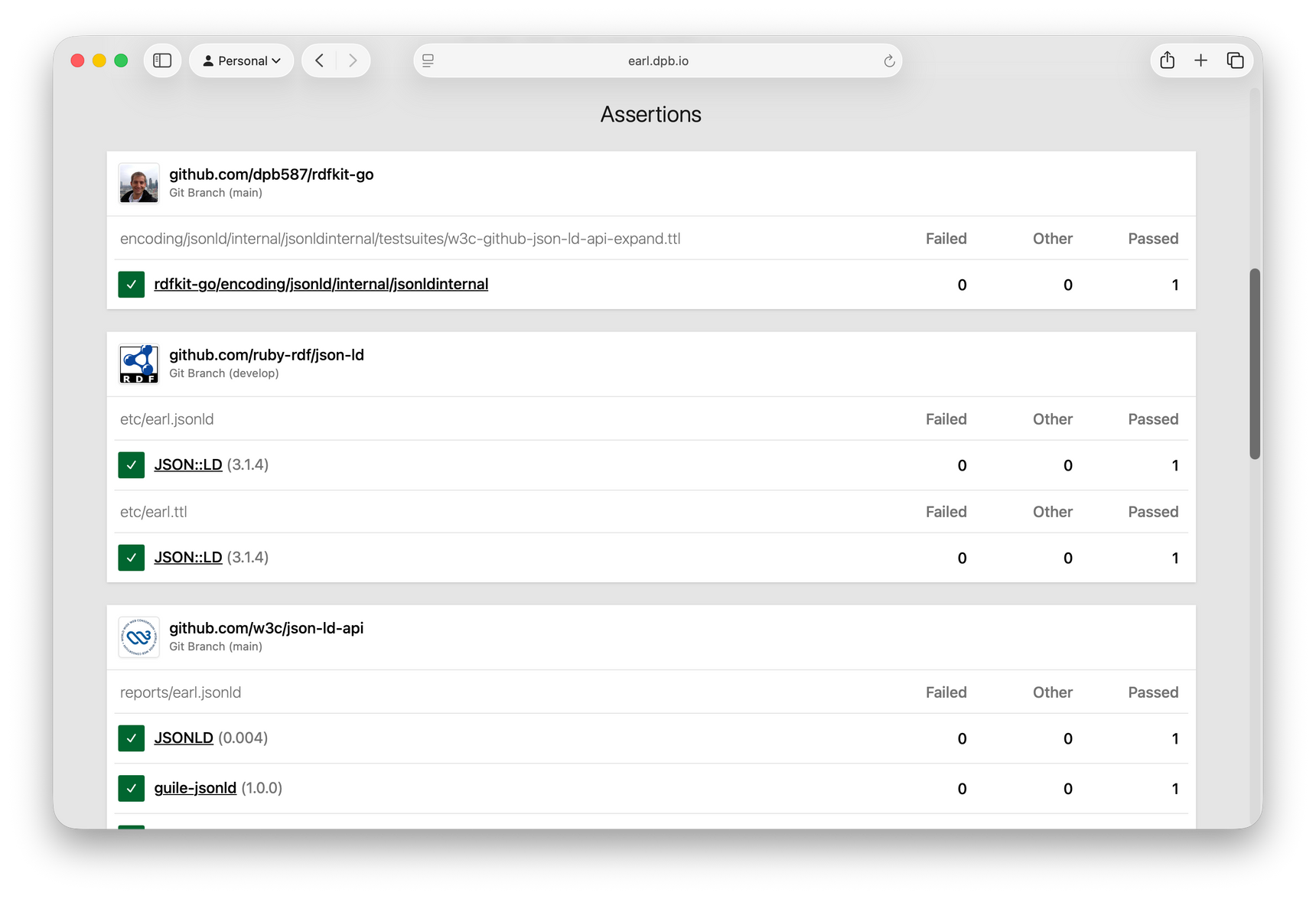
The parenthetical versions shown after the subject name are based on doap:release-related properties that are often included when testing specific versions of software.
Test Manifest File
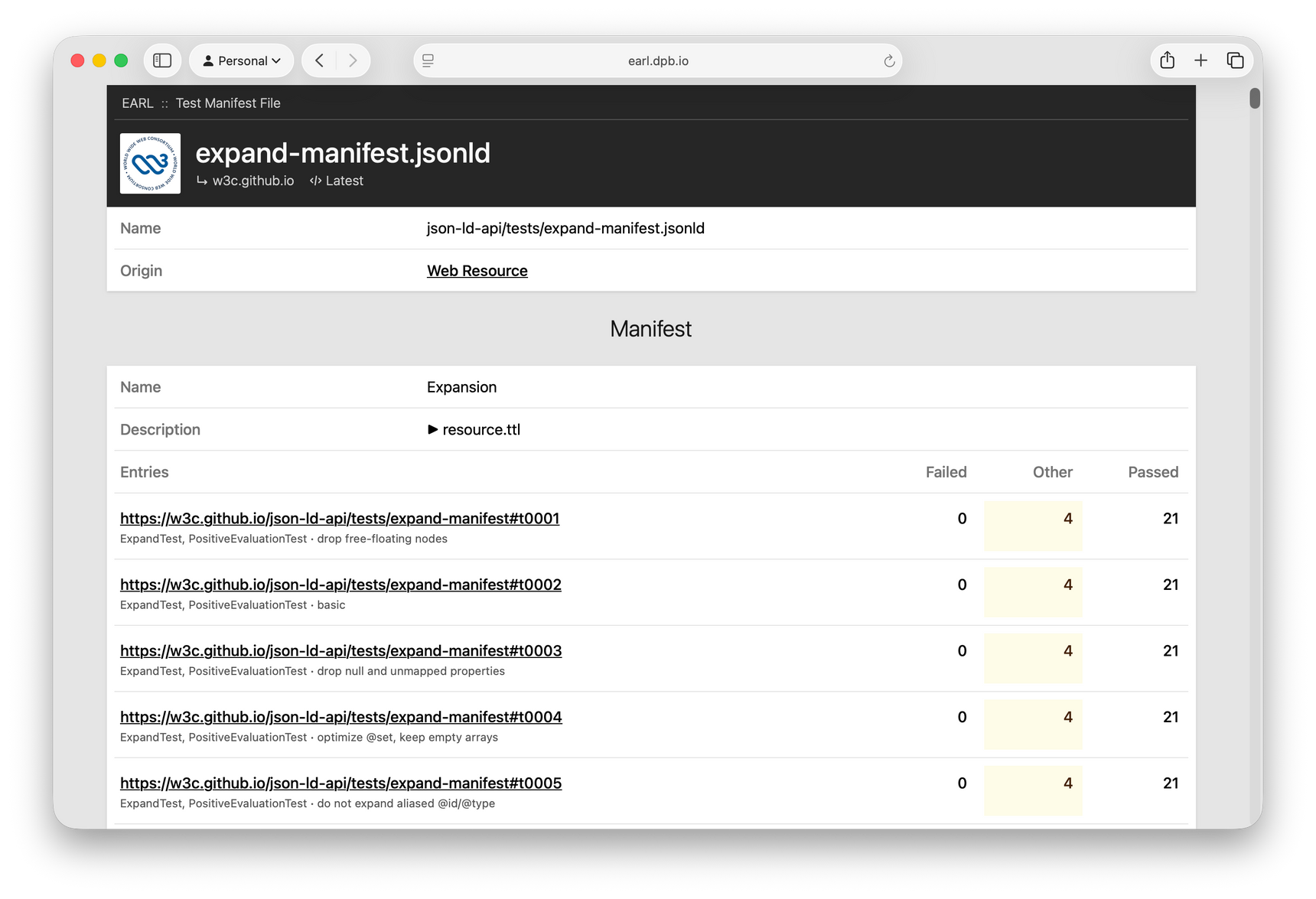
Similar to a report, each test manifest page shows details about the source file; and then it shows mf:Manifest resources along with the aggregated assertion outcomes for each of its entries.
Comments